

The Complete Guide to USDT Visa Cards in 2026
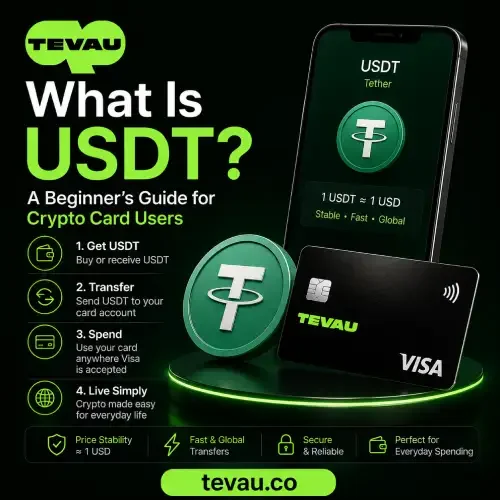
Managing crypto savings is easy — spending them in the real world is harder. A USDT Visa card solves this by converting your USDT balance into spendable funds at the point of sale. USDT (Tether) is a stablecoin, meaning its value is pegged to the US dollar and designed to stay stable. This guide explains exactly how a USDT Visa card works, what fees to watch for, and what to look for when choosing the right card in 2026.
What Is a USDT Visa Card and How Does It Work?
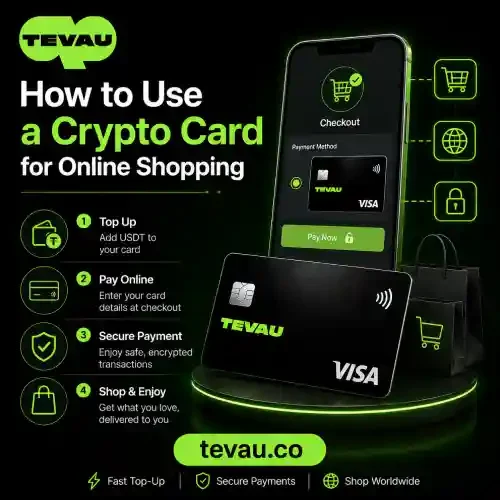
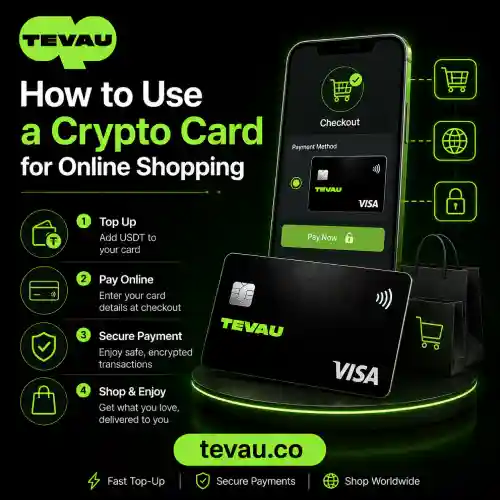
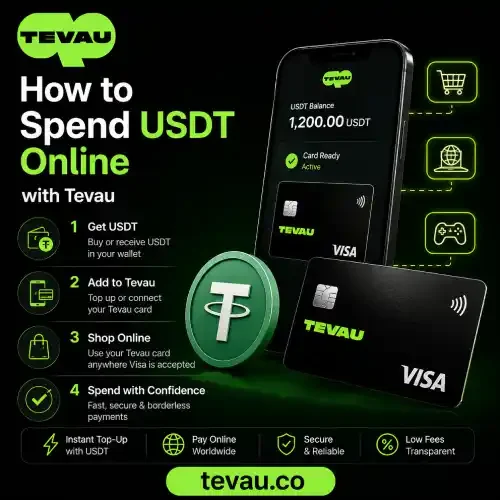
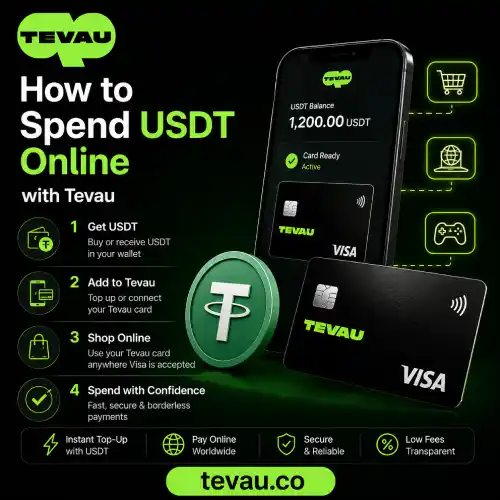
A USDT Visa card links your stablecoin wallet to the Visa network. When you pay, your USDT balance is converted to local currency at the current FX rate in real time. The transaction is processed just like any other Visa card payment — accepted at millions of merchants worldwide.
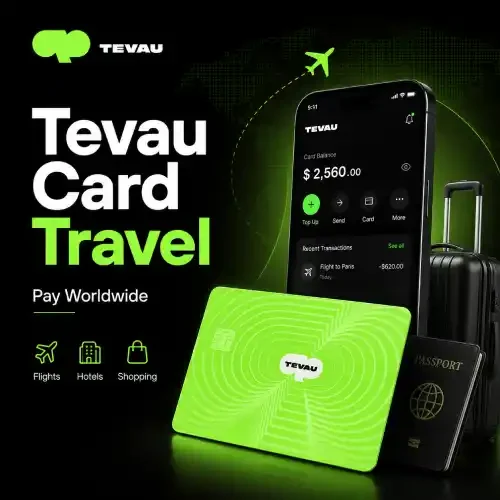
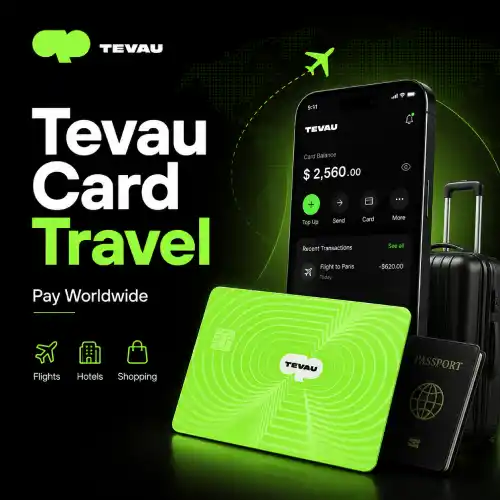
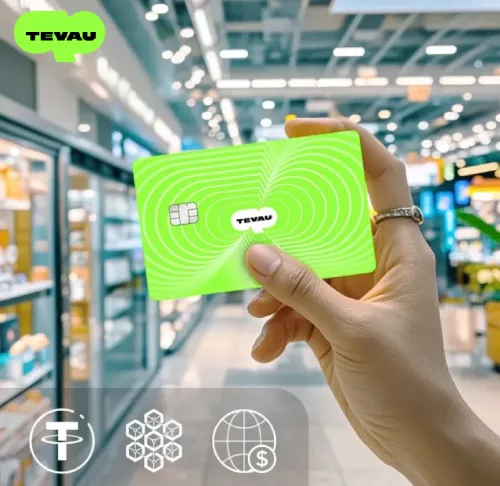
Most platforms offer both a virtual card and a physical card. A virtual card is available immediately after card activation and works for online purchases. A physical card is mailed to you and works at in-store terminals and ATMs. You can learn more about how these options compare in the Tevau Wallet & Card Features Explained guide.
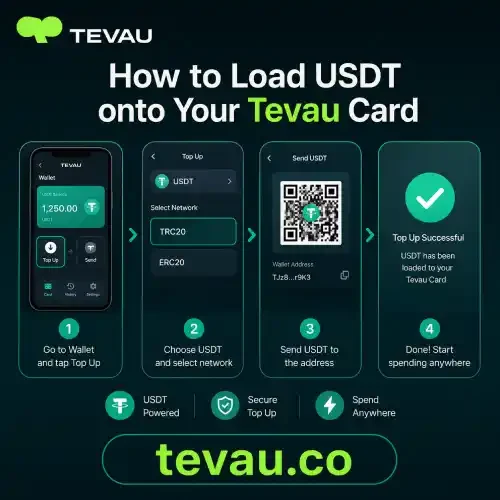
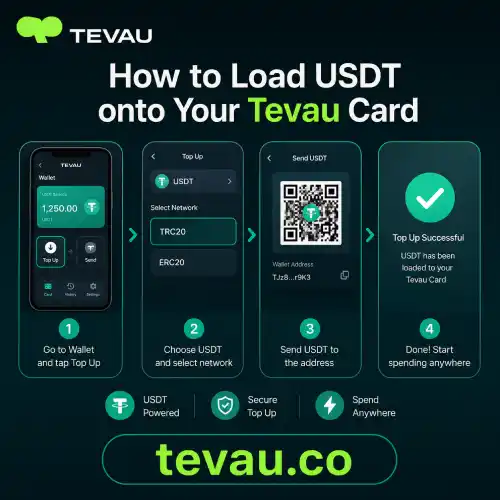
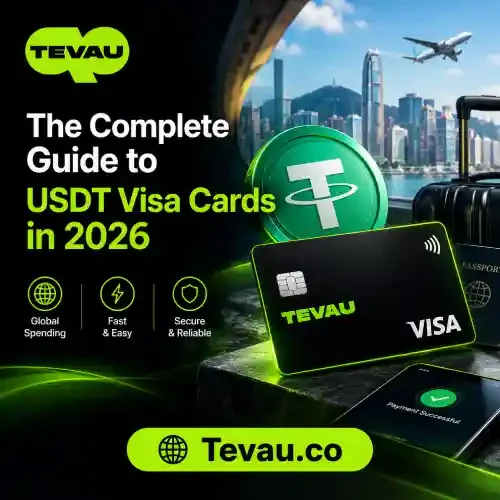
The Tevau USDT card is one example of this model — load USDT, activate your card, and spend directly wherever Visa is accepted.
Key Fees to Understand Before You Apply
Fees vary significantly between providers. Before you apply for any USDT Visa card, you should understand the following costs:
- Top-up fee: Charged when you load USDT onto the card. Some platforms charge 0%, others up to 2%.
- Foreign exchange fee: Applied when you spend in a currency other than USD. This is sometimes called an FX fee or conversion fee.
- Transaction fee: A flat or percentage fee charged per purchase on some platforms.
- ATM withdrawal fee: Charged each time you withdraw cash. Limits on free ATM withdrawals vary by card tier.
- Spending limit: Monthly or daily caps on how much you can spend or withdraw.
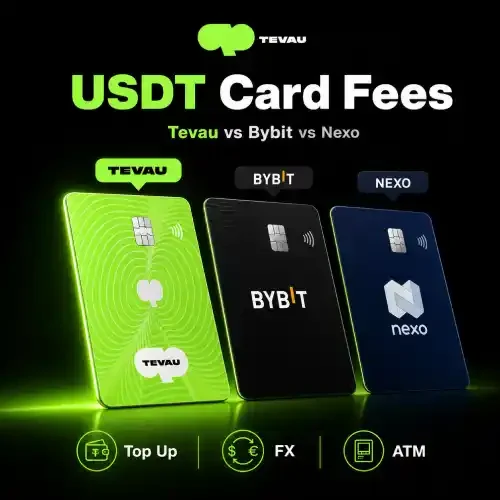
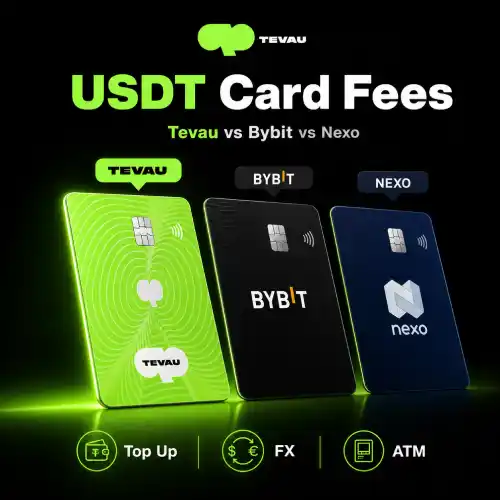
For a detailed breakdown of how fees compare across providers, see the USDT Card Fees Compared: Tevau, Bybit, Nexo article. You can also review the Tevau FAQ for answers to common questions about card costs.
According to CoinMarketCap, USDT is the largest stablecoin by market cap, making it the most widely supported asset on crypto card platforms today.
How to Choose the Right USDT Visa Card in 2026
Not all USDT Visa cards are equal. Here is what to evaluate before committing to one:
- Visa network coverage: Confirm the card runs on the Visa network for the broadest global acceptance.
- Card activation process: Some cards require full KYC before activation. Others offer a virtual card immediately.
- Fee transparency: Look for providers that clearly disclose the top-up fee, foreign exchange fee, and ATM withdrawal charges upfront.
- Physical and virtual card options: Having both gives you flexibility for online and in-person spending.
- Security features: Check whether the platform has robust risk controls and transaction monitoring in place.
Choosing a card with low fees, a reliable FX rate, and clear spending limits will make your day-to-day spending experience much smoother.
Frequently Asked Questions
What is a USDT Visa card?
A USDT Visa card is a payment card linked to a USDT (Tether) stablecoin balance. USDT is a stablecoin pegged to the US dollar. When you make a purchase, the card converts your USDT to local currency at the current FX rate and processes the payment through the Visa network. It works like a regular debit card at any merchant or ATM that accepts Visa.
What fees does a USDT Visa card charge?
Common fees include a top-up fee when loading funds, a foreign exchange fee when spending in non-USD currencies, a transaction fee per purchase on some platforms, and an ATM withdrawal fee for cash access. Spending limits also apply and vary by card tier. Always read the fee schedule before applying so there are no surprises on your first statement.
Can I use a USDT Visa card for ATM withdrawals?
Yes. Most USDT Visa cards support ATM withdrawals at machines that accept Visa. An ATM withdrawal fee typically applies per transaction, and there is usually a monthly withdrawal limit. Higher card tiers often come with increased free ATM withdrawal allowances. Check your card provider’s terms for the exact limits and fees that apply to your account.
Is a virtual card or physical card better for spending USDT?
Both serve different purposes. A virtual card is available immediately after card activation and is ideal for online shopping and digital payments. A physical card is better for in-store purchases and ATM withdrawals. Many USDT Visa card providers, including Tevau, offer both options so you can use whichever suits the situation without needing a separate account.
How is the FX rate determined on a USDT Visa card?
When you make a purchase in a foreign currency, the card converts your USDT balance at the current FX rate at the time of the transaction. This rate is typically based on the live interbank rate plus a foreign exchange fee added by the card provider. The exact rate and any markup should be disclosed in the provider’s fee schedule before you use the card abroad.
Conclusion
A USDT Visa card makes it practical to use your stablecoin balance for everyday spending — online, in-store, and at ATMs worldwide. Understanding fees like the top-up fee, foreign exchange fee, and ATM withdrawal charges helps you choose a card that fits your needs and avoids unexpected costs. Spending limits, card activation steps, and whether a virtual or physical card is offered are also important factors to compare.
If you are ready to start spending USDT with a transparent fee structure and global Visa acceptance, explore the Tevau card and see how it can work for you.