

How to Load USDT onto Your Tevau Card
Managing your money across borders can be frustrating when bank transfers are slow and foreign exchange fees eat into your funds. USDT — short for Tether USD, a stablecoin pegged to the US dollar — offers a stable, borderless alternative that sidesteps traditional banking delays. The Tevau card bridges your USDT balance and real-world spending by converting your stablecoin holdings into purchases anywhere Visa is accepted. This guide walks you through exactly how to load USDT onto your Tevau card, covering every step from card activation to your first transaction, including fees and spending limits you should know about.
Before You Load: Card Activation and Account Setup
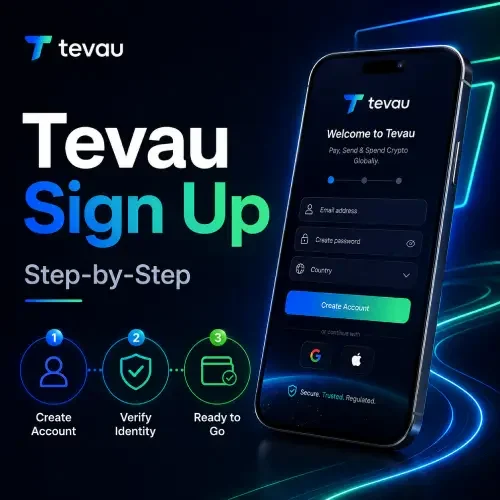
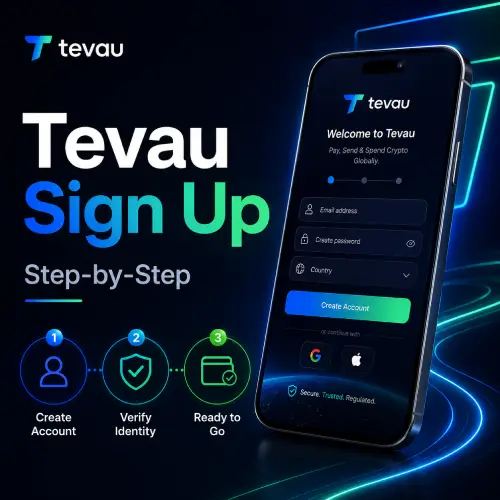
Before you can load USDT onto your card, your account and card must be active. If you haven’t completed this yet, the How to Get Started With Tevau guide covers the full sign-up process. Once your account is verified, you can request either a virtual card for immediate online use or a physical card delivered to your address.
Card activation takes only a few minutes inside the Tevau app. You will need to complete identity verification before your card is eligible to receive funds. Make sure your USDT balance in your Tevau wallet is funded before attempting a top-up, as the card draws directly from your wallet.
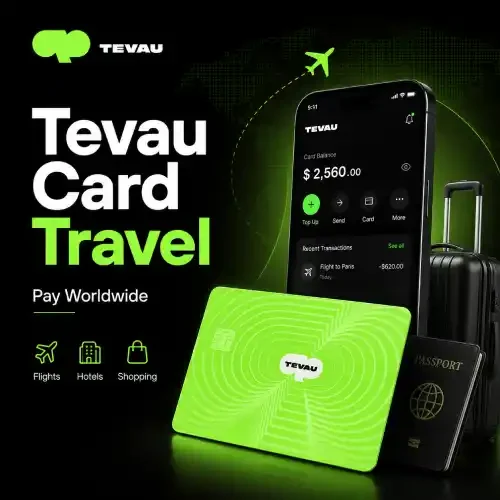
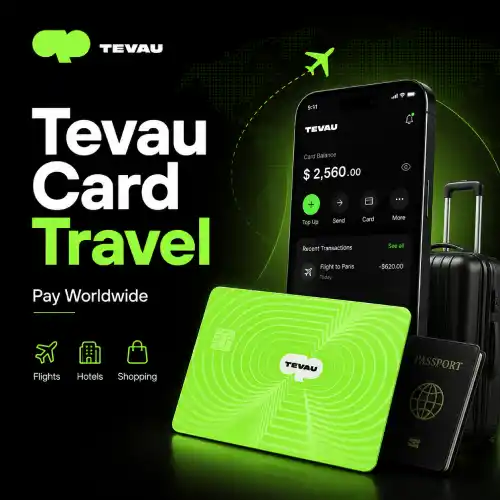
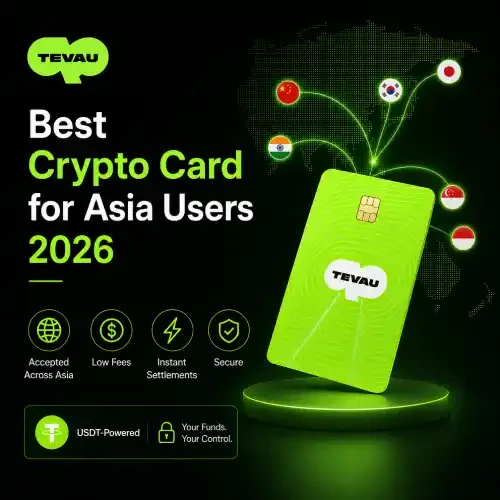
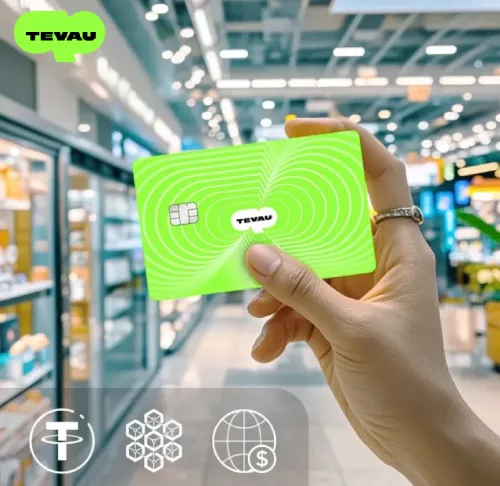
The Tevau USDT card is issued on the Visa network, which means it works at millions of merchants and ATMs globally — including contactless terminals and online checkouts.
How to Load USDT onto Your Tevau Card: Step by Step
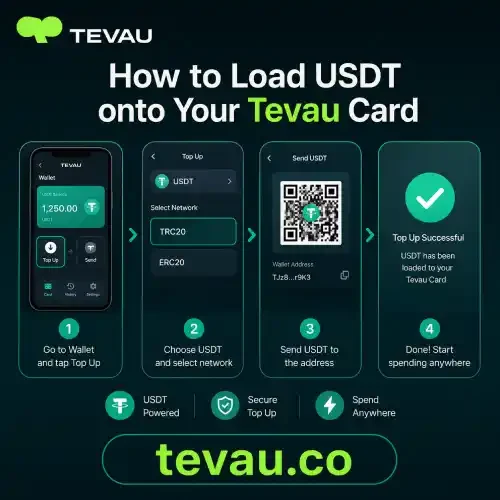
Loading your card is straightforward once your wallet holds a USDT balance. Follow these steps inside the Tevau app:
- Step 1 — Open the app: Navigate to the Card section from the main dashboard.
- Step 2 — Select Top Up: Tap the top-up option on your card screen.
- Step 3 — Enter an amount: Type the USDT amount you want to load. Check your spending limit before confirming.
- Step 4 — Confirm the transaction: Review any applicable top-up fee and confirm. The transfer from your USDT balance to your card is near-instant.
- Step 5 — Verify your card balance: Your updated card balance will appear immediately in the app.
The process takes under a minute in most cases. Your card is then ready for in-store purchases, online shopping, and ATM withdrawal wherever Visa is accepted.
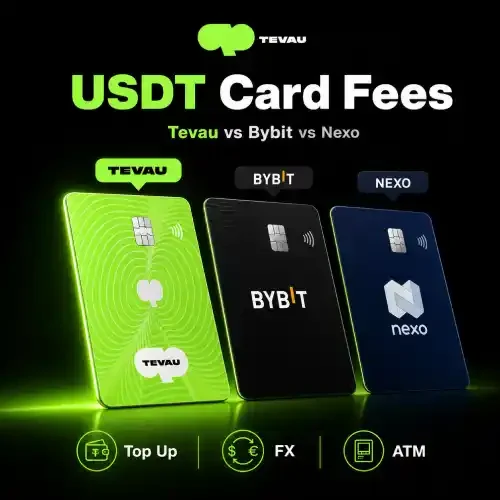
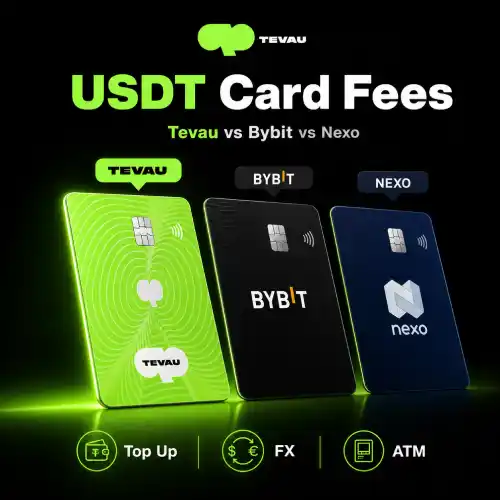
For a full breakdown of applicable costs, see the article on Tevau Card Fees Explained. Understanding the transaction fee, foreign exchange fee, and FX rate applied to non-USD purchases will help you plan your spending more accurately.
Fees, Limits, and What to Expect at the Point of Sale
Tevau applies transparent fees so there are no hidden surprises. A small top-up fee may apply when moving USDT from your wallet to your card. When you spend in a currency other than USD, a foreign exchange fee and FX rate conversion apply automatically at the point of sale.
Spending limits vary by account tier. Higher-tier accounts benefit from elevated daily and monthly limits, which is worth considering if you plan to use the card for larger purchases or frequent ATM withdrawal. You can review your current limit inside the app under card settings.
For more details on what fees apply in which situations, visit the Tevau FAQ page. It covers common questions around top-up costs, ATM fees, and currency conversion in one place.
The Visa network handles currency conversion at the point of sale, which means your USDT-funded card works seamlessly even in countries that don’t use USD. According to Visa’s global network, cards are accepted at over 130 million merchant locations worldwide — making USDT a genuinely practical spending tool. For reference on USDT’s market standing as the world’s leading stablecoin, CoinMarketCap provides up-to-date data on its supply and usage.
Frequently Asked Questions
How long does it take to load USDT onto my Tevau card?
Loading USDT from your Tevau wallet to your card is near-instant — typically a matter of seconds. The transfer happens within the Tevau platform, so there is no blockchain confirmation wait time. Once confirmed in the app, your card balance updates immediately and you can use the card straight away for purchases or ATM withdrawal.
Is there a minimum or maximum amount I can load?
Yes, Tevau applies both minimum top-up amounts and maximum spending limits depending on your account tier. These limits are displayed in the app before you confirm a top-up. Higher-tier cardholders, such as those on the Gold tier, typically have access to higher daily and monthly limits. Check the card settings section inside your app for your specific limits.
What fees apply when I load USDT onto my Tevau card?
A top-up fee may apply when transferring USDT from your wallet to your card. When you make purchases in non-USD currencies, a foreign exchange fee and an FX rate conversion are also applied at the point of sale. Tevau publishes all fee details clearly so you can review them before transacting. The fees page and FAQ cover all current charges in full.
Can I use my Tevau card for ATM withdrawals after loading USDT?
Yes. Once your card is loaded, you can use it at any ATM on the Visa network. ATM withdrawal fees may apply depending on your account tier and the ATM operator’s own charges. Your daily withdrawal limit is set by your Tevau account tier. Always check the Tevau app or FAQ for the latest ATM fee structure before travelling.
What is the difference between the virtual card and the physical card for loading USDT?
Both the virtual card and physical card draw from the same USDT balance in your Tevau wallet, and the top-up process is identical for both. The virtual card is available immediately after activation and is ideal for online purchases. The physical card works the same way but also supports in-store tap payments and ATM withdrawals. You can hold both simultaneously within a single Tevau account.
Conclusion
Loading USDT onto your Tevau card is a quick, straightforward process that takes under a minute once your account is active and your wallet is funded. This guide covered card activation, the step-by-step top-up process, applicable fees including the foreign exchange fee and transaction fee, and how spending limits work across account tiers. Understanding these details helps you manage your USDT balance more confidently and avoid any unexpected costs. Whether you hold a virtual card or a physical card, the process is the same and your funds are ready to spend globally on the Visa network. Get started today with the Tevau card and turn your USDT into everyday spending power.