Your Gateway to Seamless Global Payments
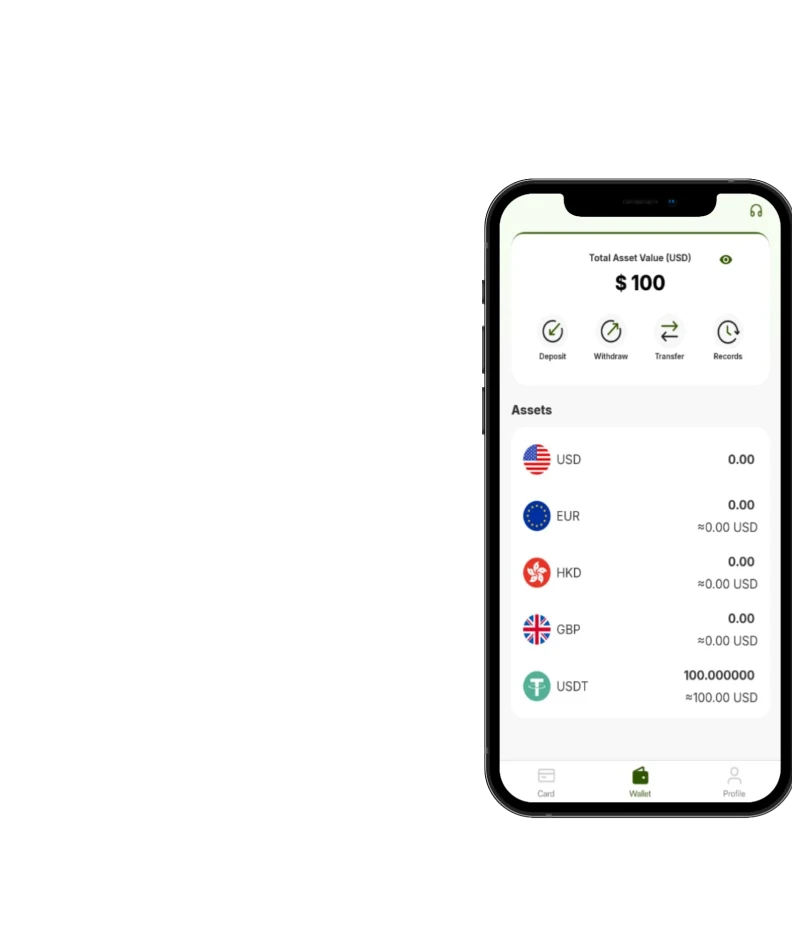
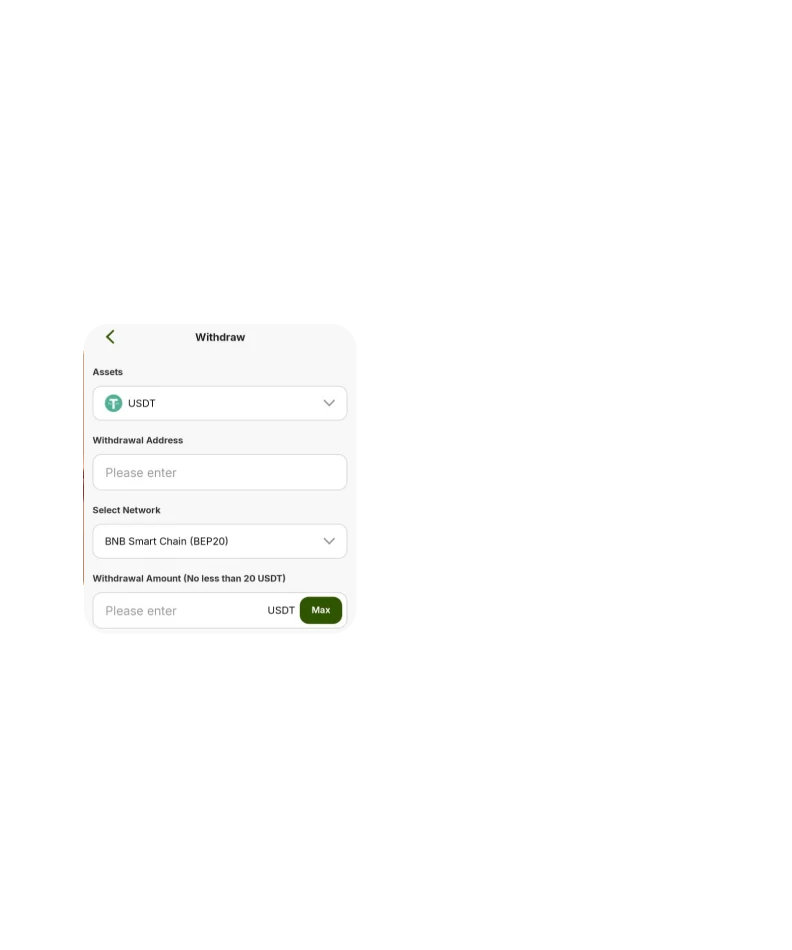
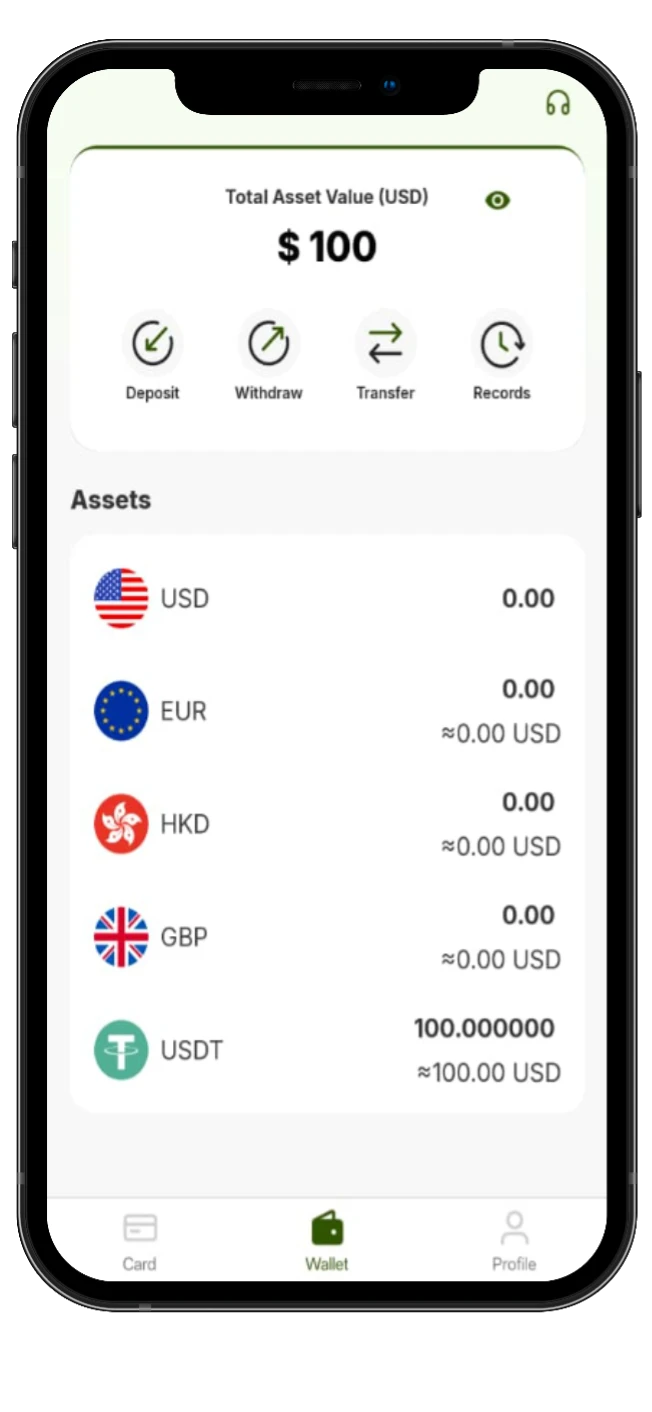
With the Tevau app, you can manage your digital assets, view balances in real time, and keep your account ready for daily spending. It’s built for simple navigation — so you spend less time figuring things out and more time using your wallet confidently.
Transactions
Completed
Downloads
now
Built for Trust, Designed for You
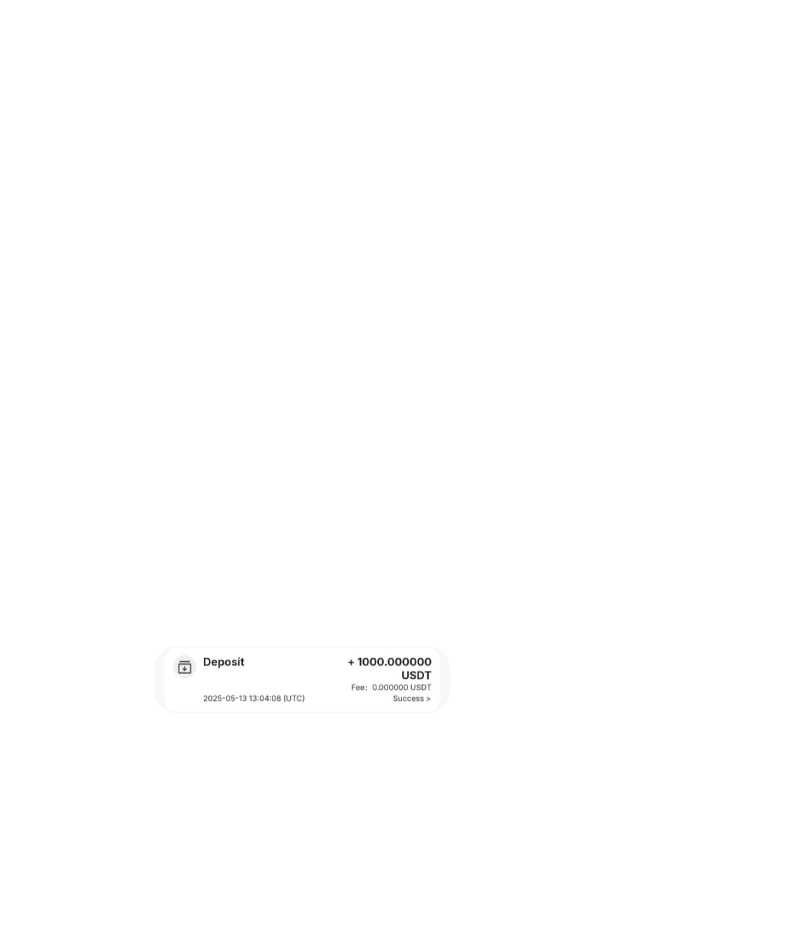
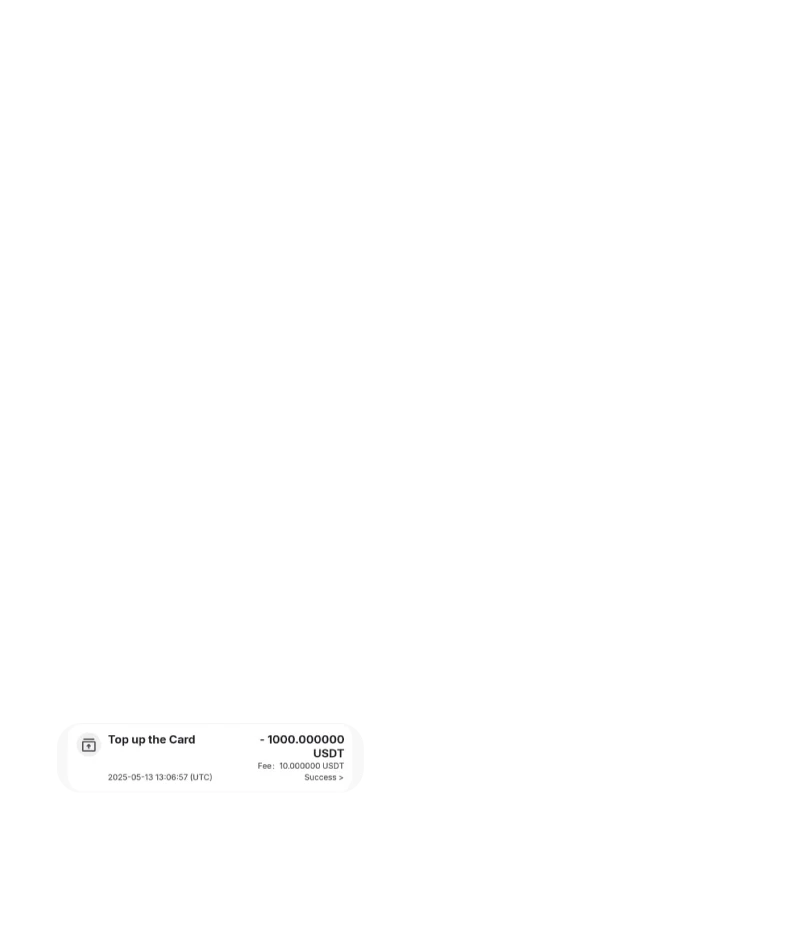
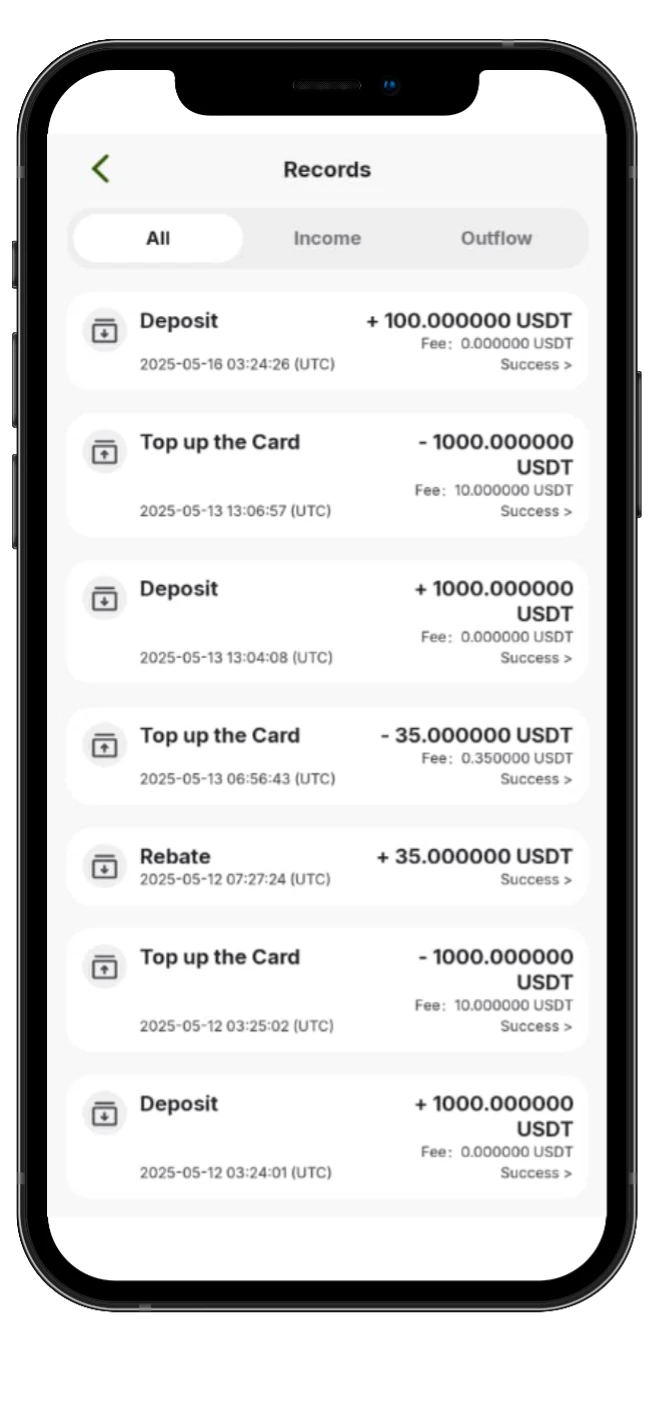
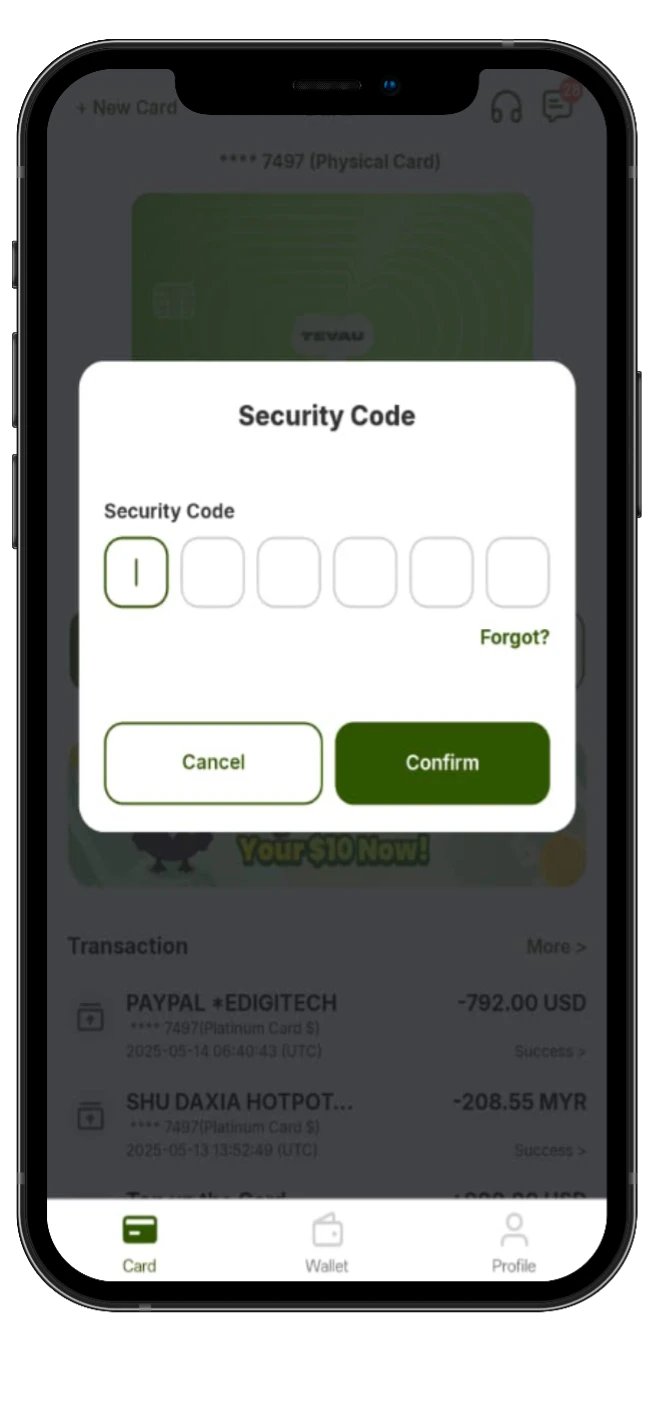
Security and clarity matter. The Tevau app is designed to help you verify actions, review transaction records, and stay in control of your account — whether you’re topping up, converting funds, or checking payment activity.

Clear transaction status and history
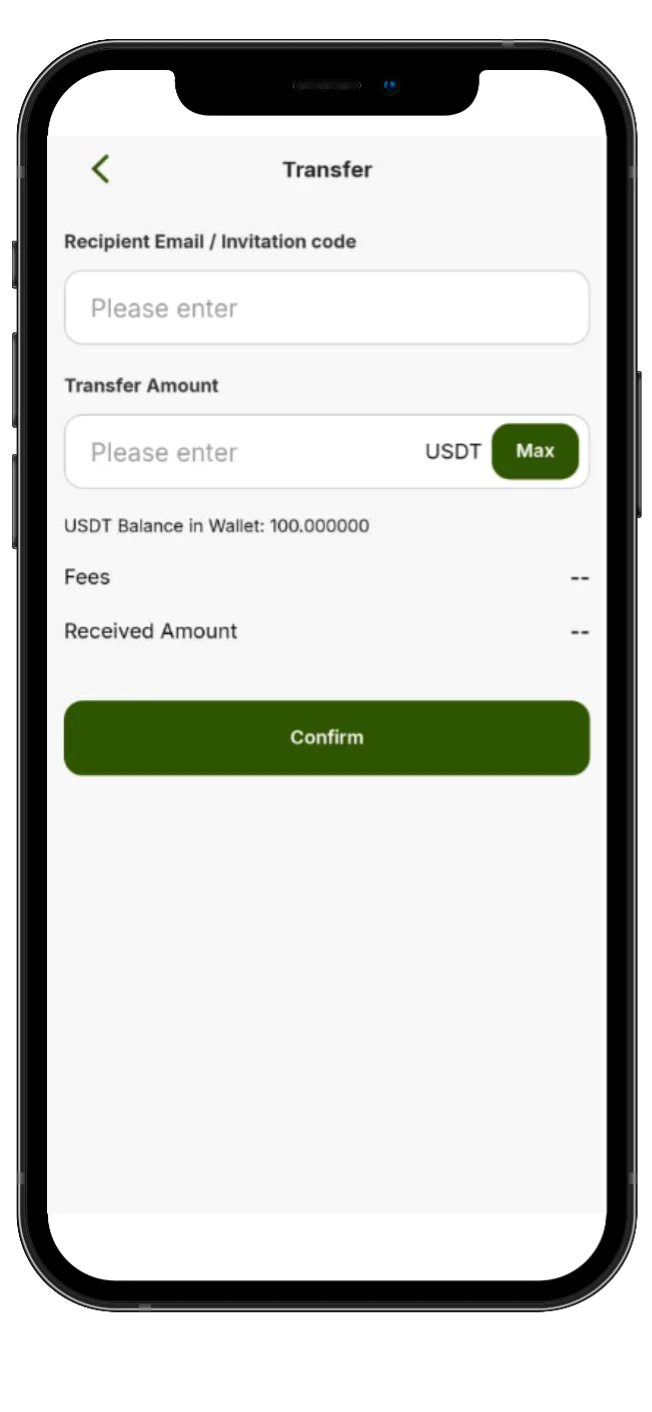
Confirmation steps for important actions
Simple UI that reduces mistakes
Happy
Users
🌍 Countries Supported
⚡ Transaction Speed
🔒 Security Uptime
Why You'll Love the Tevau App
Unified Wallet
Manage your balances in one place and keep your funds organized for spending and transfers.
Real-Time Transactions
See updates faster, track activity clearly, and confirm what happened — without guessing.
Global Accessibility
Built for international users. Your app experience stays consistent even when you’re traveling.
User-Friendly Interface
Clean layout, simple steps, and easy navigation — made for both beginners and power users.
Ready to get started?
Download the app, create your account, and explore Tevau in minutes.
FAQ
Is the Tevau app free to download?
Yes. The app is free to download. Some services inside the app may include fees depending on the action (top-up, conversion, withdrawal, etc.).
What’s the difference between Google Play and the Android APK?
Google Play is the standard Android install method. The APK is an alternative for regions where Google Play access is limited.
Is it safe to install the Android APK?
It can be safe if you download it directly from the official Tevau website and avoid third-party sources.
Do I need the app to use Tevau Card?
Most users use the app to manage balances, view transactions, and handle account actions connected to card usage.
I can’t install the app — what should I do?
Try a different download option (Google Play vs APK), check storage/network settings, and contact your WhatsApp support for step-by-step help.